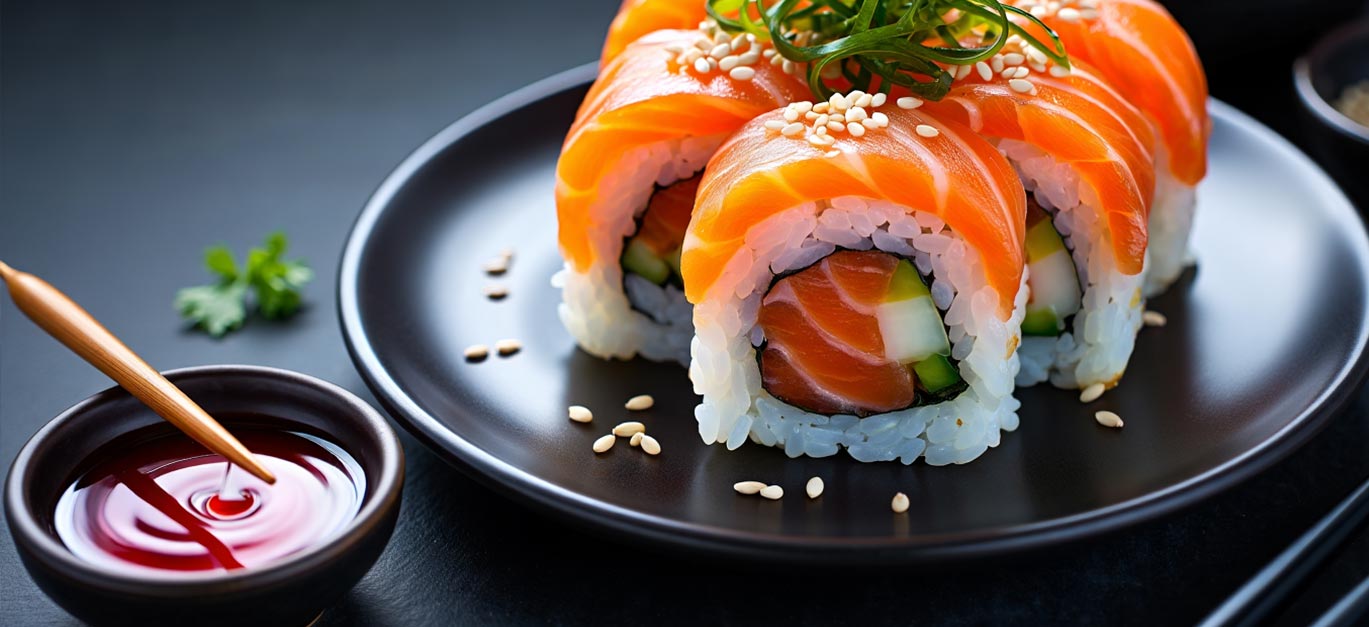
Food Presets for Lightroom – Professional Photo Editing
Ready to upgrade your food photos? Browse all our Food Lightroom Preset collections below.




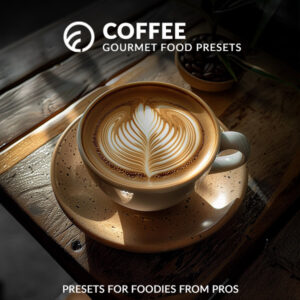

Using our presets is easy and beginner-friendly. After you complete your purchase, simply download and import them into Adobe Lightroom on desktop or mobile. Apply the preset to your food photo in just one click to instantly transform its colors and mood. Want to tweak it further? Every preset is fully customizable, so you can adjust the look to match your personal style or brand aesthetic.
Great editing starts with a great shot. Here are a few essential tips to elevate your food photos before applying our presets:
Use soft, natural light near a window for authentic colors
Style your dishes with fresh ingredients and simple props
Keep your background clean and uncluttered to make the food stand out
For even more expert guidance, check out our Food Photography Guides and Tutorials packed with practical advice.
Q: Are these presets compatible with Lightroom Mobile? -
A: Yes! All our Food Lightroom Presets work seamlessly on both Lightroom Mobile and Desktop. -
Q: Can I adjust the presets after applying them? -
A: Absolutely. Each preset is fully editable—just apply it in one click, then fine-tune the sliders in Lightroom to suit your image perfectly. -
Q: Do you offer support if I need help? -
A: Yes, we’re happy to assist you with installation or any questions about using your presets. -
“Excellent preset collection for every need. They offer a wide variety and are incredibly user-friendly.” - Andrew S. (verified owner), March 18, 2024
“These food presets were exactly what I was looking for to give my dinner photos a great look. Highly recommended, a great tool to enhance your photos.” - Natahlia K. (verified owner), December 6, 2023