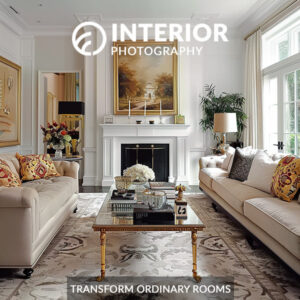

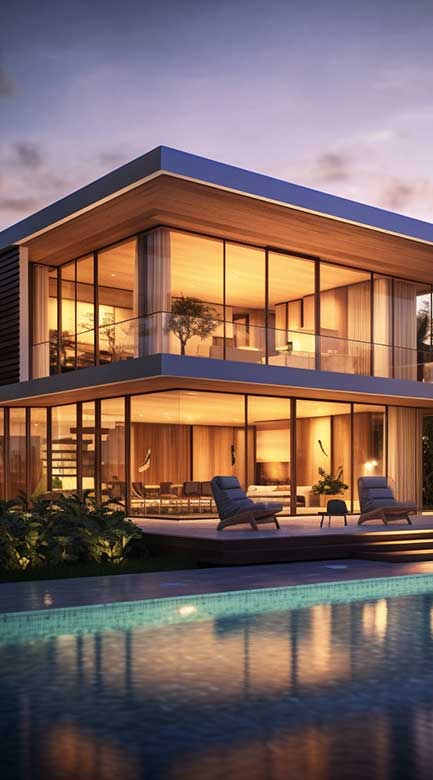
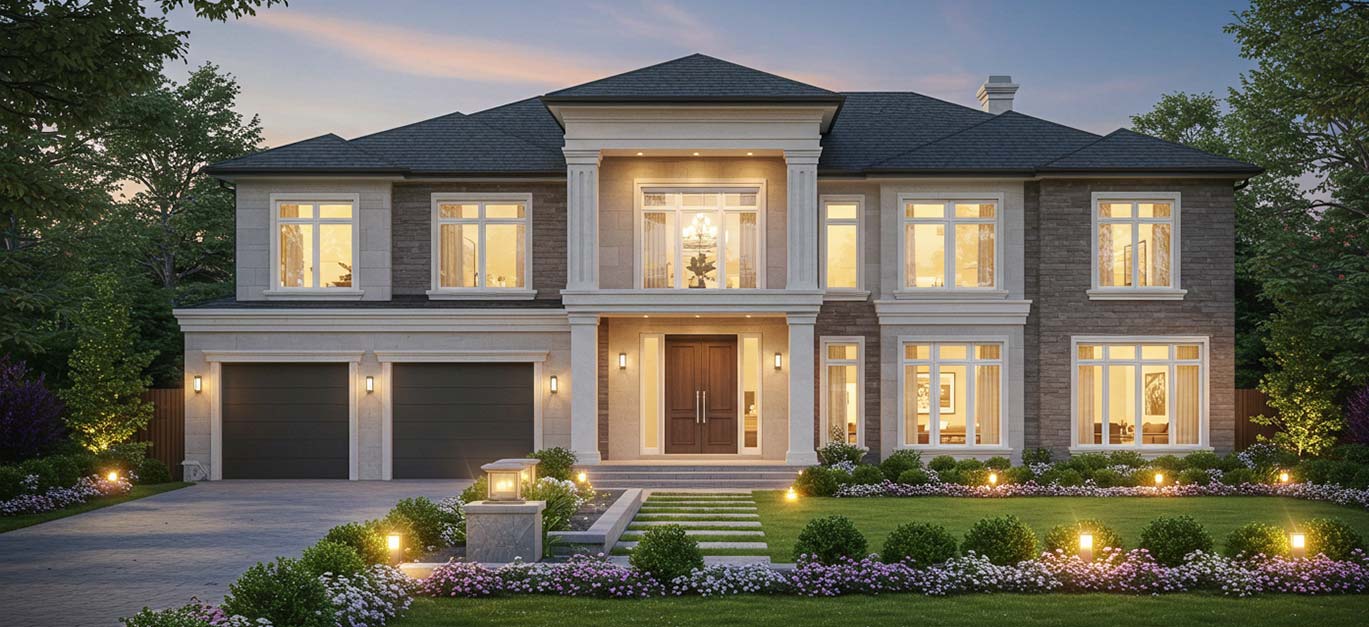
These are Real Estate Preset Collections built for photographers who shoot real estate for a living. Each collection is a complete editing system, not a single filter, so your interiors, exteriors, and full listing galleries come out looking consistent from the first photo to the last.
Why Choose Our Real Estate Preset Collections?
Photo quality isn't a nice-to-have. Homes with high-quality photos sell 32% faster and spend 89 days on market on average, compared to 123 days for listings with standard photos (source). Our collections exist to make sure your photos are in that first group.
- Correct color casts from mixed indoor lighting
- Restore details in bright windows while keeping shadows balanced
- Deliver natural highlights and shadows without over-editing
- Apply subtle, professional-grade color grading
- Ensure consistency across entire sets of property images
With our collections, you spend less time tweaking and more time delivering polished, MLS-ready photos that inspire confidence.
Which Preset is Right for You?
We offer three carefully developed collections, each built for different needs.
| Product | Best For | Key Features |
| Pro Real Estate Preset | Agents and photographers who want a complete editing system | 8 Steps Easy Editing System (70 Powerful Presets), 11 one-click options, color cast fixes |
| Interior Presets | Photographers focused on indoor spaces | Correct mixed light, balanced tones, subtle grading |
| Hotel Preset Collection | Hospitality and commercial interiors | Consistent branding, stylish color grading, warm inviting mood |
Inside the 9-Step Editing System
Our flagship collection, PRO Real Estate Presets, isn't a single click-and-done filter. It's a 9-step system that walks you through the same correction order a professional retoucher would use on every property shoot.
- White Balance: fixes color casts from mixed indoor lighting.
- Exposure: brightens dark rooms or pulls back blown-out ones.
- Whites and Shadows: recovers detail without losing the natural look.
- Tone Curve: adds depth and soft contrast to flat images.
- Color Cast Reduction: neutralizes yellow, green, or magenta light.
- Color Grading: adds warmth for a welcoming interior feel.
- Contrast: sharpens definition without crushing shadow detail.
- Details: enhances texture and sharpness, reduces noise.
- Lens and Geometry: straightens verticals and fixes distortion.
Each step is its own preset, so you can run the full sequence for a hero shot or jump straight to a one-click version when you're short on time. That flexibility is the difference between a system and a filter.
See the exact settings we use at every step in our Lightroom Presets Guide.
A System, Not a One-Click Filter
Most real estate preset packs work the same way. One filter, applied the same way to every photo, no matter the room or the light. That's fine for a single photo. It falls apart across a full shoot.
A north-facing bedroom and a sunlit kitchen need different corrections. A single filter can't tell them apart. It pushes the same slider values on both, so one room comes out too warm and the other too flat. The gallery looks inconsistent the moment an agent opens it next to a competitor's listing.
Our collections work in stages instead. Start with a base correction, adjust for the room's actual light, then finish with a look. It's more steps than one click. It's also why photographers shooting properties every week choose a system like this over a preset pack. Across a full gallery, consistency beats speed on a single image.
Weighing presets against full manual editing? Our guide on HDR vs. Flambient real estate photography breaks down the same tradeoff for shooting technique: faster methods that are good enough, or slower methods built for consistency.
Editing Challenges We Solve
Real estate photography is tough. It means working with weird lighting, tight spaces, and high client expectations. Here’s what our presets handle:
- Orange/green casts from mixed light bulbs and daylight
- Overexposed windows that lose all detail
- Muddy, flat shadows in corners
- Colors that feel off in every room
- Images that look dull instead of welcoming
Our presets were made to help you fix these issues in just a few clicks.
Benefits for Photographers and Agents
- Save hours on each editing session
- Deliver consistent, professional results clients love
- Make listings more appealing and trustworthy
- Increase showings and sales with better visuals
- Stand out with a polished, branded look
These presets aren’t just shortcuts. They’re the workflow photographers use to keep quality high and clients happy.
What's Included in Every Collection
| Feature | Description |
| Modular Workflow Presets | Step-by-step system for total control over your look |
| One-Click Presets | Instant fixes when you’re short on time |
| Color Cast Removal Tools | Handle tricky mixed lighting conditions easily |
| Tone Curve & Contrast Tools | Balance light for clean, natural photos |
| Color Grading Options | Subtle, stylish finishing touches for every image |
Free Real Estate Photography Guide Included
Every preset collection includes a free real estate photography guide to help you get started. Learn how to plan, shoot, light, and edit photos that make any space look inviting and sell faster.
Whether you're new to real estate photography or want to streamline your workflow, this guide gives you clear, actionable advice you can use right away.
Ready to Make Your Listings Shine?
Scroll down to choose the perfect Lightroom preset collection for your next property shoot.
Learn more about real estate photo editing with our guide Real Estate Photography Masterclass: Light, Logic & AI Ethics.
FAQ
They come with simple instructions. Import them into Lightroom (Classic or CC) and start editing.
Absolutely. They're designed for both, with tools to fix indoor lighting and balance window exposures.
Yes. You’ll get our free real estate photography guide, plus one-click and step-by-step workflow presets that make editing easy for any skill level.
PRO Real Estate Presets is the full 9-step editing system, built for photographers who shoot complete listing galleries. Interior Presets is a lighter, one-click option for indoor-only work. Hotel Preset Collection is built for hospitality and short-term rental branding, with a warmer, more consistent grade across larger properties. The comparison table above breaks down what each one solves.
Yes, but the starting point is different for each. HDR-merged files come out with compressed midtones, so they need a flatter tone curve before you add contrast back in. Flambient composites lean warmer because the flash layer dominates the frame, so they usually need cooling back toward neutral. Our guide on HDR vs. Flambient real estate photography covers exactly how to adjust for each.
Yes, all three collections work on RAW and JPEG files. For real estate and architectural work, we recommend shooting RAW when you can. It gives you more room to recover shadow and highlight detail, especially on bright window shots.
PRO Real Estate Presets includes 70 system presets across the 9 editing steps, plus 11 one-click presets for a fast pass. Interior Presets and Hotel Preset Collection are smaller, more focused sets. More presets doesn't automatically mean a better result. It usually just means more decisions. Our system is built to get you to a finished, consistent photo, not to hand you a longer menu to scroll through.
With a preset-based system, photographers report cutting editing time by 40 to 65% compared to editing each photo from scratch. On an 80-image shoot, that's the difference between a 4-hour editing session and one closer to 90 minutes. Our Real Estate Photography Workflow Guide walks through the full booking-to-delivery system this fits into.
No, and that's by design. These are XMP presets built for Lightroom Classic on desktop, the setup working real estate photographers actually use to edit and deliver a full shoot. Culling, batch-syncing, and exporting 60 to 100 images for an MLS delivery is desktop work. Some competitors lead with mobile/DNG support because they're built for casual, single-photo editing. Ours are built for the volume and consistency a real listing shoot demands.