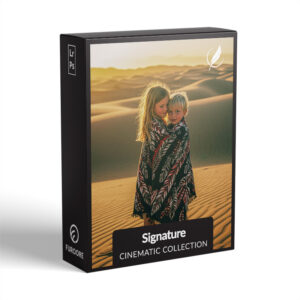
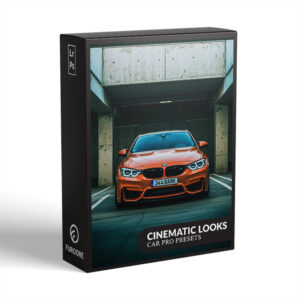
Cinematic Presets for Lightroom
Turn Everyday Photos into Cinematic Masterpieces!


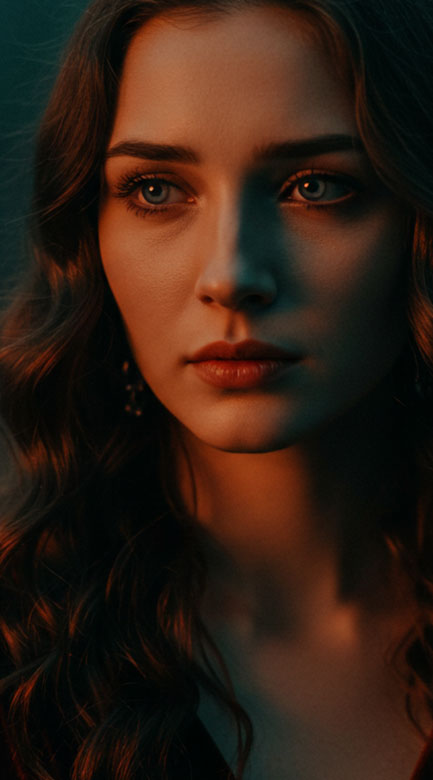
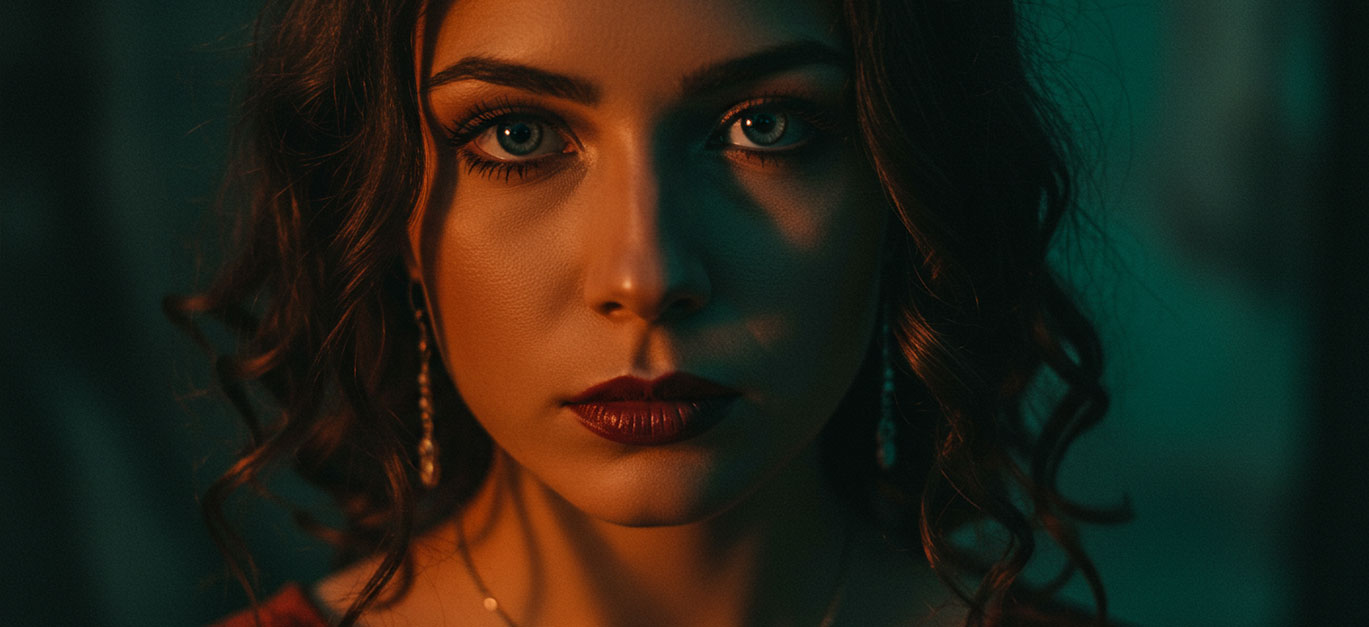
Bring the magic of the movies into your photography. Our Cinematic Presets for Lightroom are designed to give your photos that bold, dramatic, and film-inspired look – whether you’re capturing portraits, cars, or urban street scenes. Each preset is crafted for professional results with just one click, helping you achieve consistent color grading, rich tones, and a polished cinematic finish.
Explore our curated cinematic preset collections below and take your photo edits to the next level.
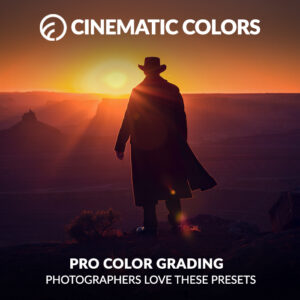

Ready to transform your photos into compelling visual narratives? Our cinematic presets for Lightroom go far beyond simple filters. While many presets just adjust basic light and color, our movie inspired collection is designed to mimic the rich, moody, and dramatic aesthetics of classic cinema.
We carefully craft each preset to work with shadows, highlights, and skin tones, adding that signature depth and storytelling quality to your images.
Instead of a generic, flat look, you’ll get deep, nuanced colors and a powerful atmosphere that make your photos feel like they belong on the big screen. Whether you're a professional photographer or a hobbyist, these presets give you the creative tools to achieve stunning results with a single click.
Achieving a professional, cinematic look is simpler than you think. Our presets are built for seamless integration with both the desktop and Lightroom Mobile versions, so you can edit anywhere.
Step 1: Apply the Preset. Start by applying your chosen preset from our collection. Don’t be afraid to experiment with a few different ones to find the style that best fits your photo’s mood.
Step 2: Adjust Exposure and White Balance. For the best results, make sure your photo’s exposure and white balance are correct before you apply the preset. You can fine-tune these settings after applying the preset to better suit your image.
Step 3: Refine with the Tone Curve. The tone curve is the secret to a true cinematic look. Use it to add a subtle "film fade" by lifting the black point, or to create contrast by adjusting the S-curve. Our presets already include a custom tone curve, but you can tweak it to match your personal style.
Step 4: Enhance with Color Grading. For a true movie aesthetic, pay attention to the colors in your scene. For instance, if you're working with a portrait, you might slightly desaturate the greens and blues to make the warm skin tones stand out. With cinematic presets for portraits, you’ll find that colors are already balanced beautifully to create a harmonious and emotive feel.
Ready to start creating your own masterpiece? Explore our collection and find the perfect preset to tell your story.
Cinematic presets focus on film-inspired tones, deep contrast, and dramatic color grading. They’re crafted to mimic the atmosphere and emotion of cinematic visuals, setting them apart from standard presets.
Yes! While they work especially well for portraits, cars, and street photography, cinematic presets can enhance almost any photo style that benefits from mood, depth, and storytelling.
Absolutely. All cinematic presets in this category are fully compatible with both Lightroom Desktop and Lightroom Mobile.
Not at all. These presets are beginner-friendly - just one click and your photo takes on a cinematic look. You can further tweak the settings to match your style.
Yes, that’s one of the biggest benefits of using cinematic presets. They allow you to create a cohesive look across an entire photo series, perfect for social feeds, portfolios, or client work.