



Stand out with your own Cinematic look.


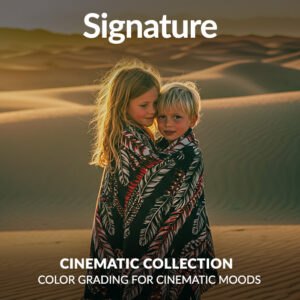


Cinematic Signature Presets
$69.90
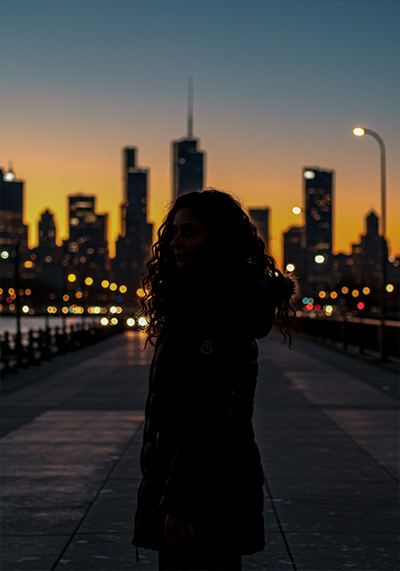
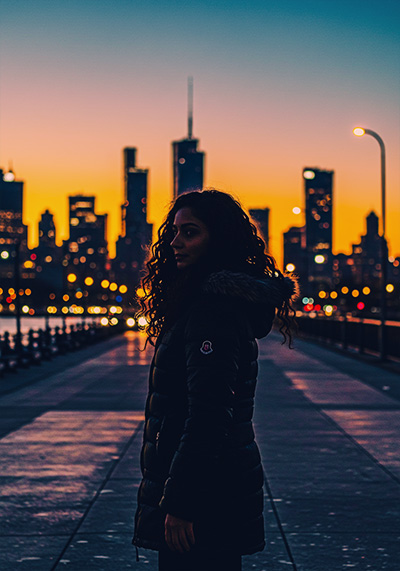
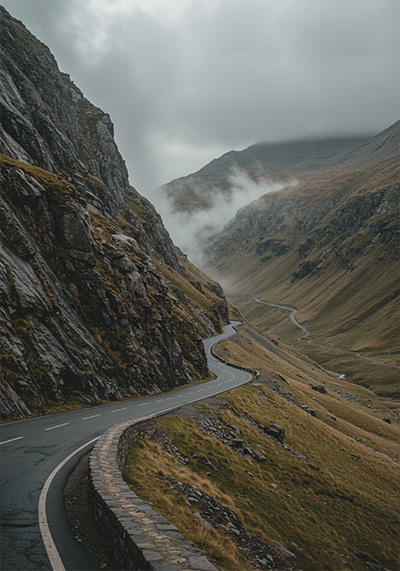
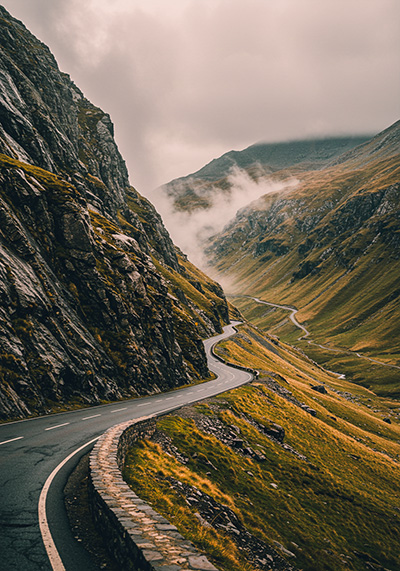
Want your photos to look like a scene from your favorite movie? The Cinematic Signature Presets instantly bring drama, depth, and emotion to your images. Whether you’re shooting portraits or city streets, you’ll get powerful tones and filmic contrast – all with a few clicks in Lightroom. Make every photo feel like a frame from a story.
Cinematic tones made simple. Try them now.
✓ Cinematic Signature Presets
✓ Save Time and Energy
✓ Professional Look with One-Click
✓ Streamlined Editing Process
✓ Very easy to use
✓ Instant Digital Download
Seriously, this is the look I’ve always wanted but couldn’t get right myself. Love this preset collection.” – from Frederic P., Photographer
Why get these Presets?
- Get professional cinematic tones across your work.
- Perfect skin tones without extra retouching.
- Designed for portraits, street, lifestyle & moody edits.
- Brings film-style color grading to your digital images.
Cinematic Signature Presets for Dramatic Photography
You see those movie-like photos and think, “Why don’t mine look like that?” The Cinematic Signature Presets are for creators like you who want mood, story, and emotion in every shot.
Designed for bold, cinematic storytelling in every frame.
16 Cinematic Signature Presets
Made for creators who want movie-quality visuals without complex editing.
- Director’s Signature: Iconic teal & orange blockbuster look
- Silver Screen Signature: Soft monochrome-inspired cinematic tone
- Epic Color Signature: Vibrant, high-contrast blockbuster tones
- FrameTone Signature: Balanced tones for narrative photography
- Cinema Fade Signature: Gentle fade for a soft cinematic mood
- Moody Reel Signature: Dark, atmospheric, dramatic color style
- Color Grade X Signature: Advanced color-grading inspired effect
- Lens Flare Signature: Warm highlights and cinematic glow
- Deep Noir Signature: Strong blacks, moody film noir look
- Cinematic Gold Signature: Rich golden-hour cinematic tones
- Vintage Reel Signature: Retro film-inspired muted colors
- Action Scene Signature: Bold contrast and dynamic tones
- Urban Streets Signature: Designed for city street cinematic vibes
- Night Vision Signature: Optimized for cinematic night shots
- Sunset Reel Signature: Warm golden-hour cinematic grading
- Portrait Drama Signature: Skin-tone perfect, dramatic cinematic look
✅ Read the detailed description for each preset below.
Whats Included:
✓ 16 Cinematic Signature Presets
✓ 15 Clean Edit Presets
✓ File format: XMP, DNG
✓ Including 16 DNG files for Mobile
✓ 1x Instruction Guide (PDF)
Compatible with:
» Adobe® Lightroom® 7.5 or later
» Adobe® Camera Raw 10.5 or later
» Adobe® Lightroom Mobile
» Android & iPhone
Clean Edit Presets:
Clean Edit Presets help you build the perfect base for your photo by adjusting one setting at a time – like white balance, exposure, or tones. Each preset tweaks just one thing, so it won’t mess with any other edits you’ve already made.
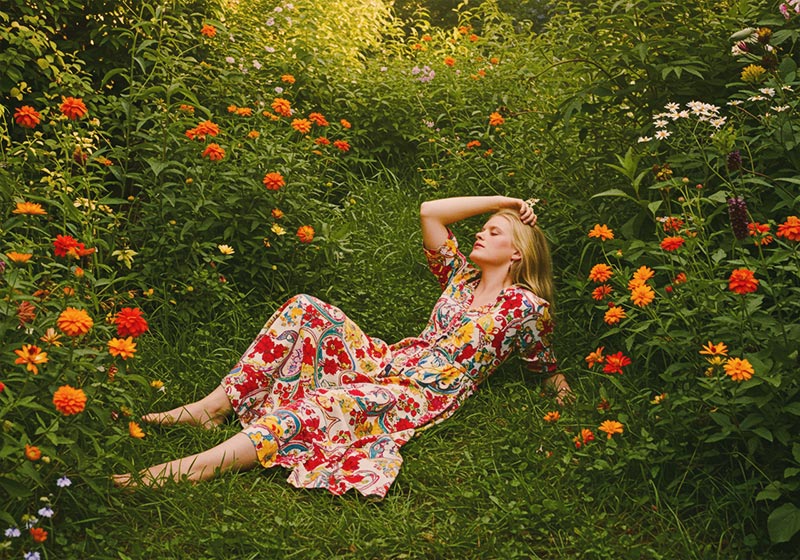
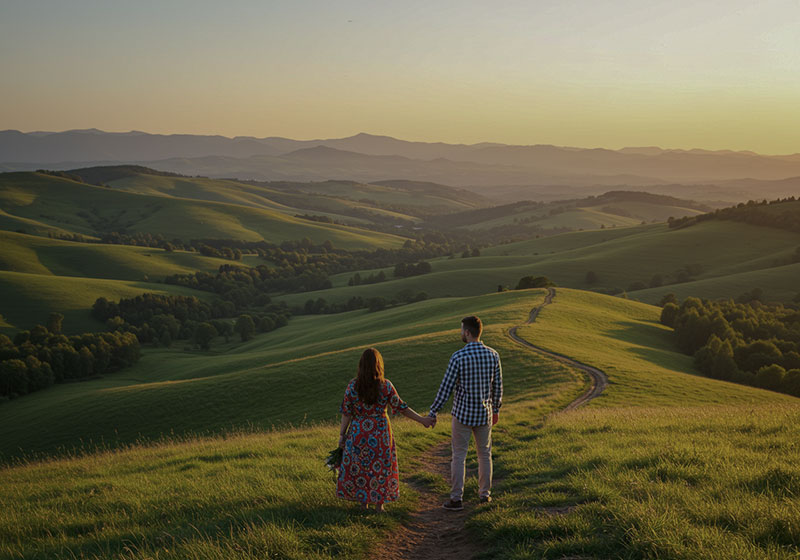
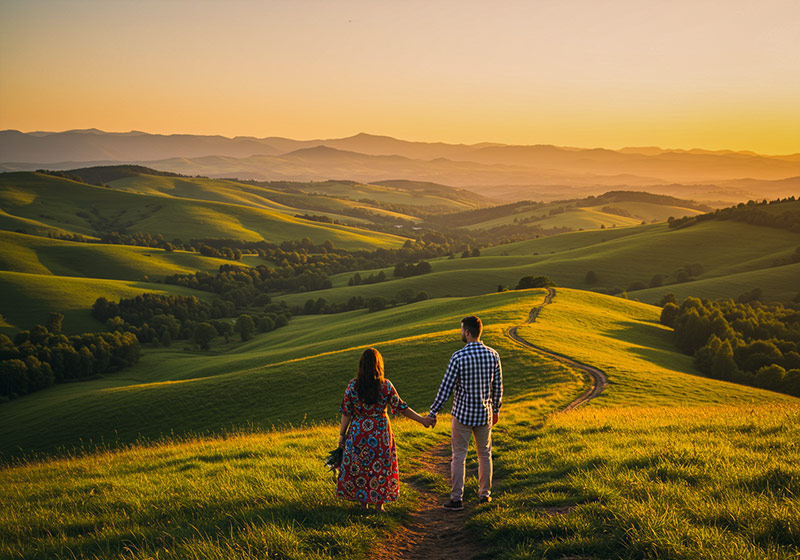
Cinematic Signature Presets for Lightroom
A must-have preset collection loved by photographers
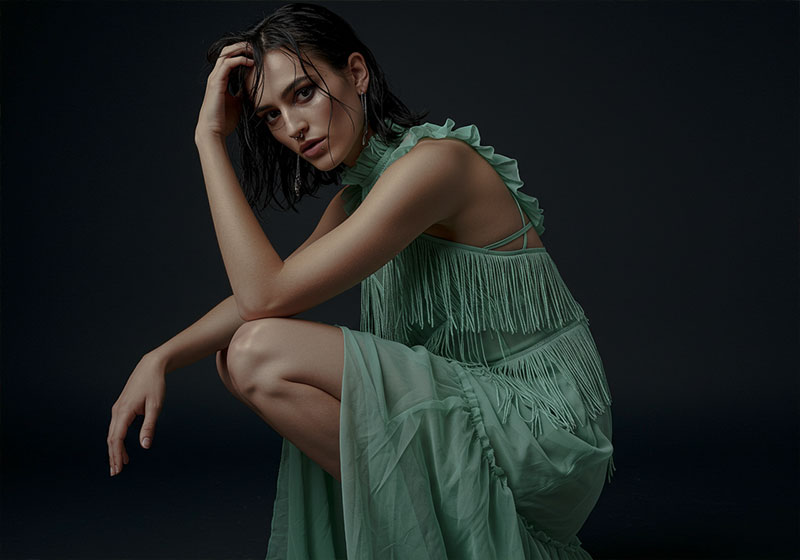
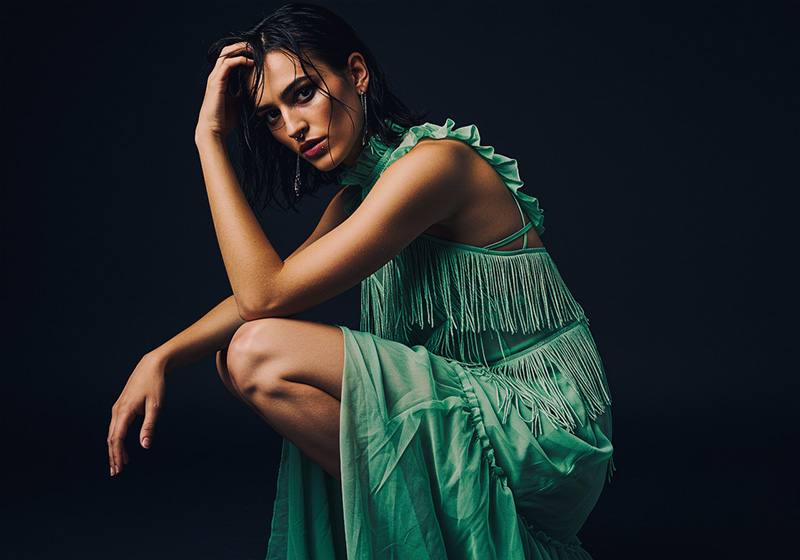
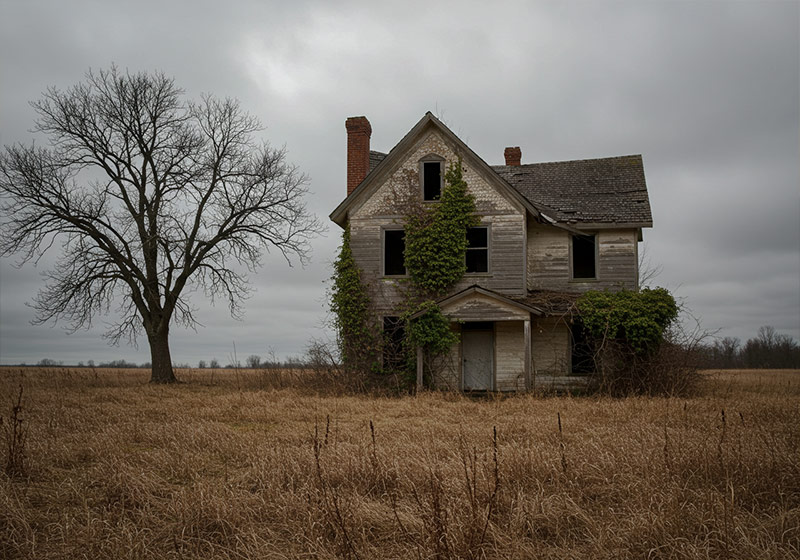
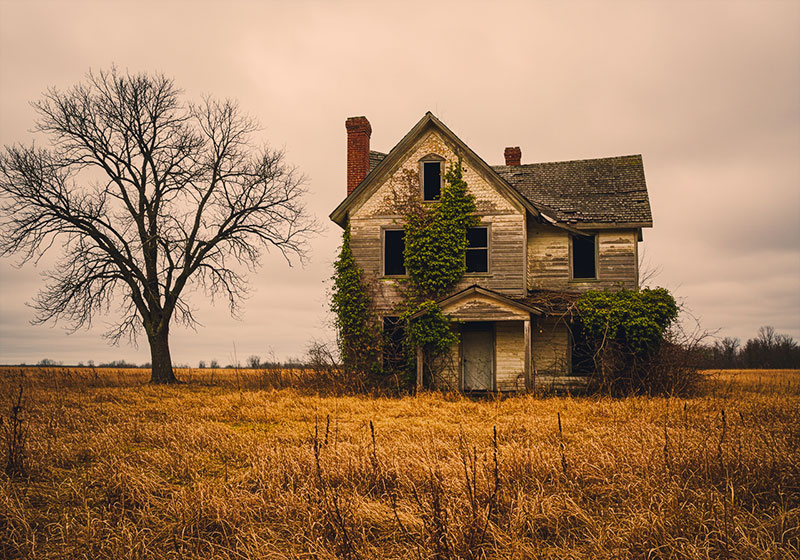

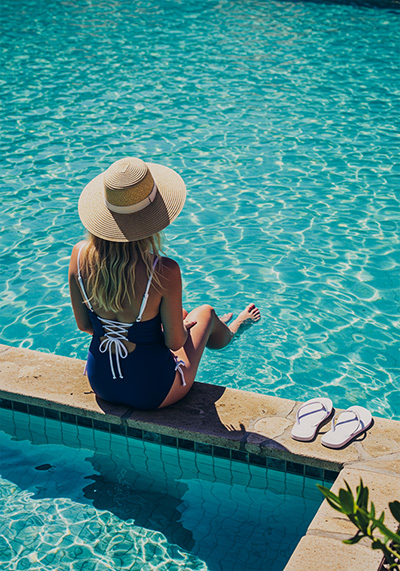
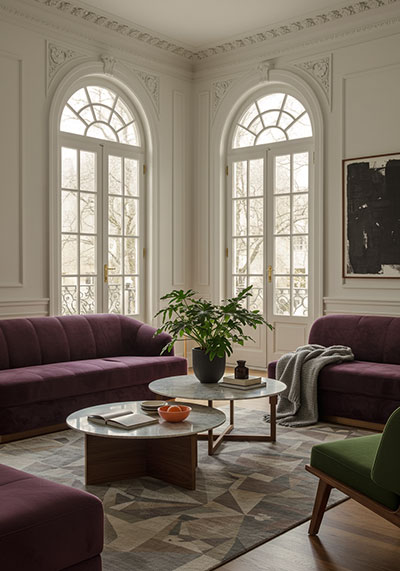
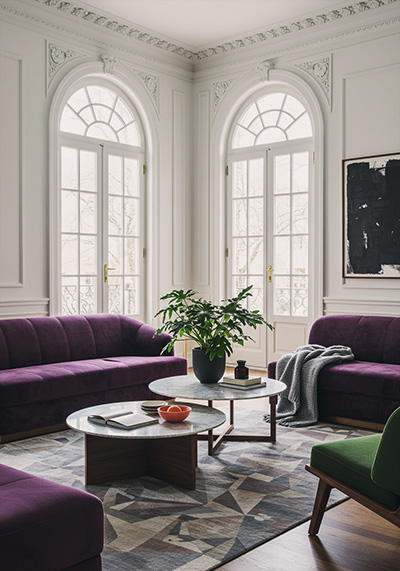





FAQ
Do you have a Description for each Preset?
Yes, we have a description for each of the Cinematic Signature Presets:
1. Director’s Signature Preset is designed with the classic teal and orange blockbuster look, offering rich skin tones against deep cinematic blues. It’s perfect for high-drama visuals, travel films, or editorial shoots that need punch and polish.
2. Silver Screen Signature Preset delivers a soft monochrome-inspired cinematic tone with gentle contrast and subtle highlight bloom. Ideal for timeless portraits, emotional storytelling, or black-and-white inspired edits with a modern touch.
3. Epic Color Signature Preset is crafted for vibrant, high-contrast blockbuster tones, with punchy reds, blues, and golds. Great for action portraits, stylized lifestyle imagery, or any shot needing a Hollywood-grade impact.
4. FrameTone Signature Preset offers a clean, balanced cinematic palette with carefully managed tones and shadows. It’s a versatile option for narrative photography, documentary-style storytelling, and branded content with emotional depth.
5. Cinema Fade Signature Preset brings a soft fade and lowered contrast for a dreamy, cinematic mood. Perfect for romantic scenes, indie aesthetics, or subtle visual storytelling where atmosphere matters.
6. Moody Reel Signature Preset is tailored for dark, atmospheric edits with rich shadows and deep, moody color tones. Use it for dramatic portraiture, filmic street scenes, or emotional narratives.
7. Color Grade X Signature Preset is built with advanced cinematic color grading, offering split tones, subtle curves, and complex highlights. Ideal for professionals and creators aiming for a high-end cinematic finish.
8. Lens Flare Signature Preset mimics the look of backlit glow and organic light flares, adding warmth and atmosphere. Excellent for sunlit portraits, golden-hour content, or ethereal lifestyle shots.
9. Deep Noir Signature Preset is inspired by classic film noir aesthetics with crushed blacks, strong contrast, and a mysterious tone. Best for black & white or muted edits needing intensity and drama.
10. Cinematic Gold Signature Preset focuses on golden-hour hues with rich shadows and warm midtones. Perfect for sunset portraits, romantic visuals, or scenes filled with warmth and cinematic nostalgia.
11. Vintage Reel Signature Preset emulates retro film stock with muted colors, lifted blacks, and nostalgic warmth. Great for storytelling edits, throwback fashion shoots, or faded travel memories.
12. Action Scene Signature Preset is high in clarity and bold contrast, enhancing movement, grit, and tension. Use it for sports, urban lifestyle, or any scene needing visual energy and cinematic edge.
13. Urban Streets Signature Preset is built for gritty, cinematic city scenes with rich colors, controlled highlights, and deep shadows. Ideal for street photography, nighttime scenes, or urban portraits.
14. Night Vision Signature Preset is optimized for low-light scenes with boosted shadow detail, soft contrast, and rich nighttime tones. Perfect for neon-lit streets, evening portraits, or cinematic nightscapes.
15. Sunset Reel Signature Preset captures the warmth and glow of late-day light, with golden reds and soft gradients. Ideal for emotional storytelling, romantic shots, or dreamy travel visuals.
16. Portrait Drama Signature Preset combines cinematic grading with skin-tone precision, adding rich shadows and filmic contrast. Best for stylized portrait sessions, editorial work, or dramatic beauty photography.
Will these work on Lightroom mobile?
Yes, you can use them on desktop and mobile versions.
How to use Lightroom Presets?
Lightroom Presets with Easy Adjustment
These Lightroom Presets were created by a pro photographer, so you can trust they’re designed to make your photos look amazing, no matter if you’re using a fancy camera or just your phone.
Using them is super easy! Whether you’re editing on your computer or your phone, you can get great results in just a few steps.
Here’s how it works:
- First, take a photo with any camera – DSLR, mirrorless, point-and-shoot, or even your smartphone.
- Next, open that photo in Lightroom.
- Then, add one of the presets to your photo with a single click.
Just a heads-up: presets won’t always look exactly the same on every photo. Things like lighting, color, or how the photo was taken can make a difference. If the photo’s too dark, too bright, or low quality, the preset might not work as well.
After you apply a preset, you might want to tweak a few things to get the perfect look. That’s totally normal! Just play with the sliders in Lightroom until it looks right.
Also, if there are people in your photo, a preset might slightly change their skin tone. No worries, just adjust the colors a bit until it looks good to you.
Presets are here to help you start strong, but a little fine-tuning goes a long way. Have fun editing!
How to Download and Install the Presets
As soon as your payment is complete, you’ll get a download link sent straight to your email.
Just follow the easy steps in our How to Install Lightroom Presets guide, and you’ll be ready to start editing on your computer or phone in no time!
Can I use the Presets in Photoshop?
Yes, these presets also work in Photoshop!
You’ll need Adobe Camera Raw (ACR) version 10.5 or higher (for both Windows & Mac).
How to install:
- Open your photo in Photoshop.
- Go to the top menu > Filter > Camera Raw Filter.
- On the right, click the menu next to “Basic,” then choose Load Settings.
- Select the .xmp file from your unzipped download and click Load.
- Hit OK to apply the preset.
How to use the Clean Edit Presets?
Clean Edit Presets help you build the perfect base for your photo by adjusting one setting at a time – like white balance, exposure, or whites. Each preset tweaks just one thing, so it won’t mess with any other edits you’ve already made.
What are your Terms/License?
These presets are just for you! You’re welcome to use them for personal or commercial projects, but you can’t share, sell, or redistribute them to anyone else.
This license is for one individual only – it doesn’t cover companies or teams.
Please note:
Since these are digital downloads, all sales are final. That means no refunds, returns, or exchanges.
2 reviews for Cinematic Signature Presets
Add a review
You must be logged in to post a review.





Christine D. –
I love every single preset in this collection. So many way to use them – damn, these are good.
Ahmed R. –
Finally, cinematic tones that don’t wreck wreck my photos! Very happy!