



PRO Real Estate Presets for Lightroom
Original price was: $149.90.$99.90Current price is: $99.90.
Our Professional Real Estate Lightroom Presets turn bland exterior and interior shots into stunning visuals with one click. Designed for photographers and agents, they enhance lighting, colors, and clarity, saving hours. Create irresistible listings that attract buyers.
Grab these presets now and make every property shine like a million bucks!
• 8 Step Easy Editing System
• 11 one-click presets for fast edits
• Tools to fix color casts and balance light
• Works for interiors and exteriors
• Free real estate photography guide included
• Instant Digital Download
More Than Presets – It’s a Complete Editing Toolkit.
“I’ve been using the Real Estate Presets for a few weeks now, and they’ve completely improved my listing photos. Highly recommended!” – Jordan M., USA, Realtor
Why These Presets Are Different
Most presets apply a single look. Ours guide you through the professional editing process, giving you the flexibility to adjust each stage manually or streamline your edits with one-click options. Built by professional photographers with experience in real estate photography.

The 9-Step Real Estate Editing Workflow
Achieve clean, consistent, high-quality results every time using this step-by-step Lightroom preset system (70 Presets):
- Step 1: Set White Balance
Fix unwanted color casts caused by mixed indoor lighting. - Step 2: Set Exposure
Brighten underexposed rooms or tame overly bright areas. - Step 3: Adjust Whites & Shadows
Recover highlight and shadow detail for a natural look. - Step 4: Tone Curve Adjustments
Add soft contrast and depth to flat-looking images. - Step 5: Reduce Color Casts
Neutralize yellow, green, or magenta lighting problems. - Step 6: Color Grading – Add Warmth
Create a cozy, welcoming feel in your interiors. - Step 7: Set Contrast
Add clarity and definition without crushing detail. - Step 8: Set Details
Enhance texture, clarity, sharpness, and reduce noise for clean, polished results. - Step 9: Tools – Lens & Geometry Corrections
Straighten verticals and fix distortion, Apply lens correction, Remove chromatic aberration
This system is perfect for batch editing, offering a repeatable, professional workflow that saves hours of manual tweaking.
11 One-Click Interior Presets
Need fast results? Choose from 11 expertly developed presets crafted for various interior styles and lighting situations:
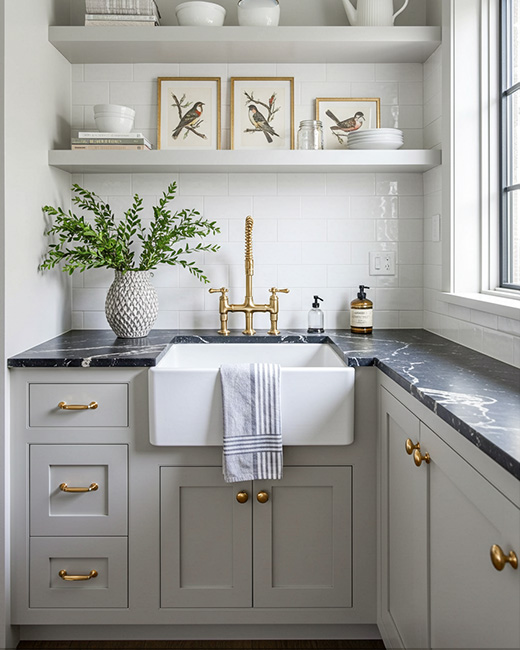
- Bright whites and modern finishes
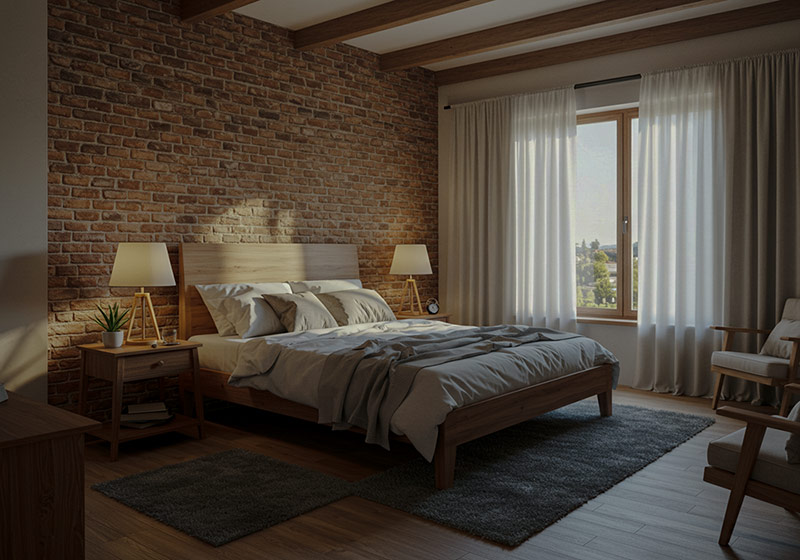
- Warm rustic interiors
- Moody twilight scenes
- Open spaces and kitchen highlights
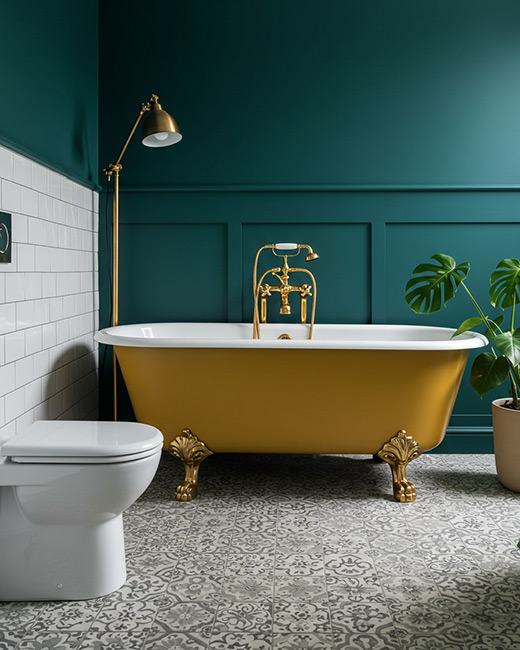
- Bathrooms and bedrooms with natural light
- HDR-style enhancements with natural tones
Each one-click preset has been tested to work across living rooms, kitchens, bathrooms, bedrooms, and more – ideal for online listings, brochures, Airbnb, or Zillow.
Who It’s For:
- Real estate photographers
- Interior photographers
- Property agents & home stagers
- Airbnb and vacation rental hosts
- Real estate content creators
- DIY home sellers
Real Results for Real Property Listings
Whether you’re photographing a high-end condo, a cozy Airbnb, or a staged home for sale, these presets help your photos:
- Look cleaner and brighter
- Balance lighting across rooms
- Highlight architectural details
- Stand out in crowded listing feeds
- Convert better with visually appealing imagery
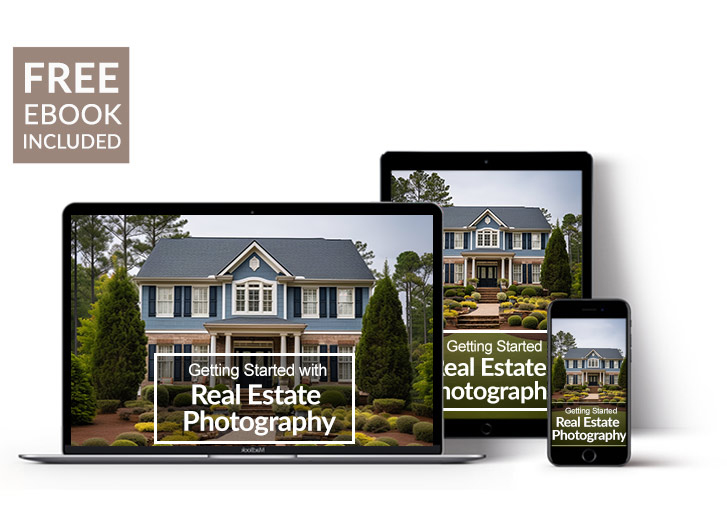
Free eBook – Getting started with Real Estate PHotography
Boost your real estate listings with stunning photos! This free ebook covers essential gear (smartphones to DSLRs), lighting, composition for inviting interiors, basic editing, staging tips, and building your portfolio.
What’s Included
» 9-Step Modular Editing Preset System
» 70 System Presets
» 11 One-Click Presets for Interiors
» Installation Guide Included
» Free eBook Included
Step-by-Step Presets
Use the easy to use step-by-step presets to make all adjustments to your real estate images. They also speed-up your workflow and offer you a wide range of selection and combinations.
Compatible with:
» Adobe® Lightroom® 7.5 or later
» Adobe® Camera Raw 10.5 or later
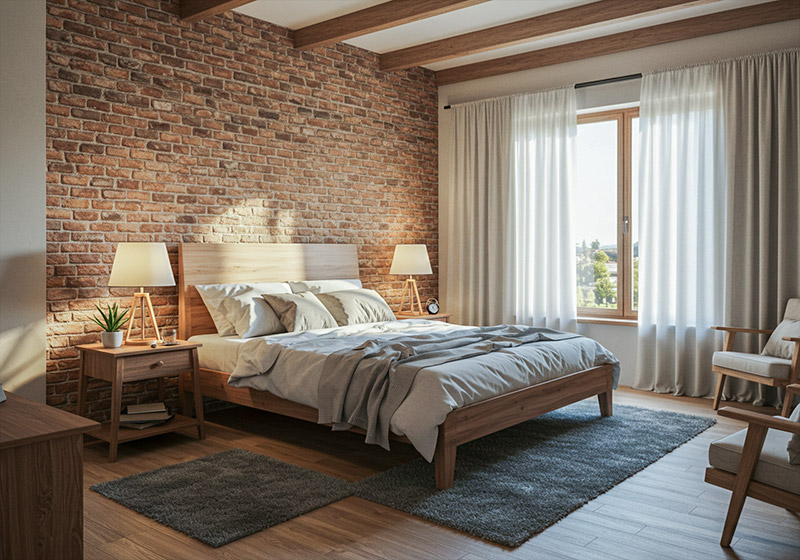
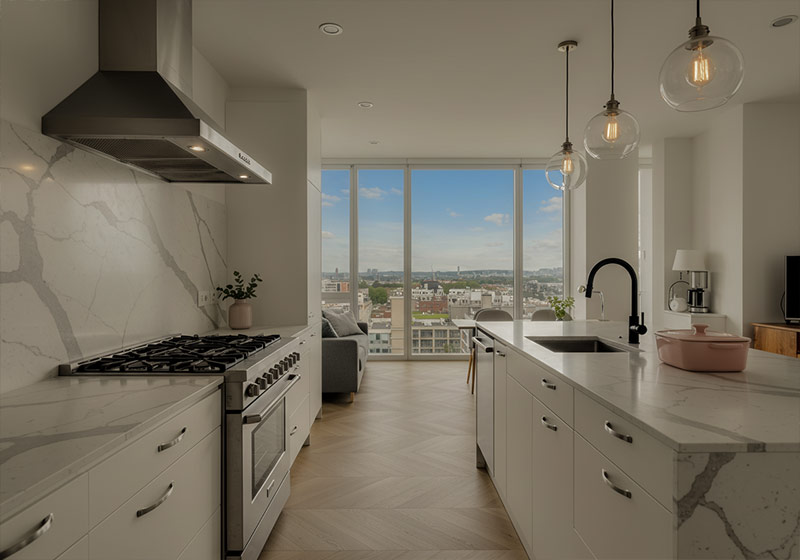
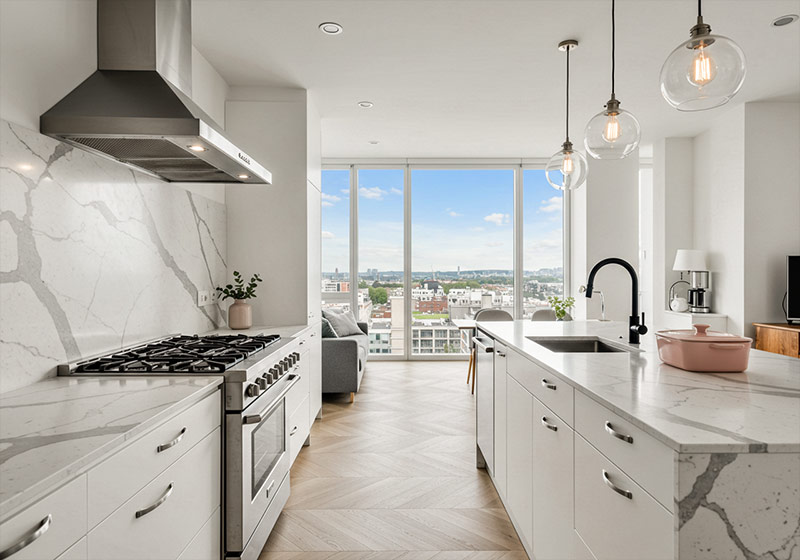
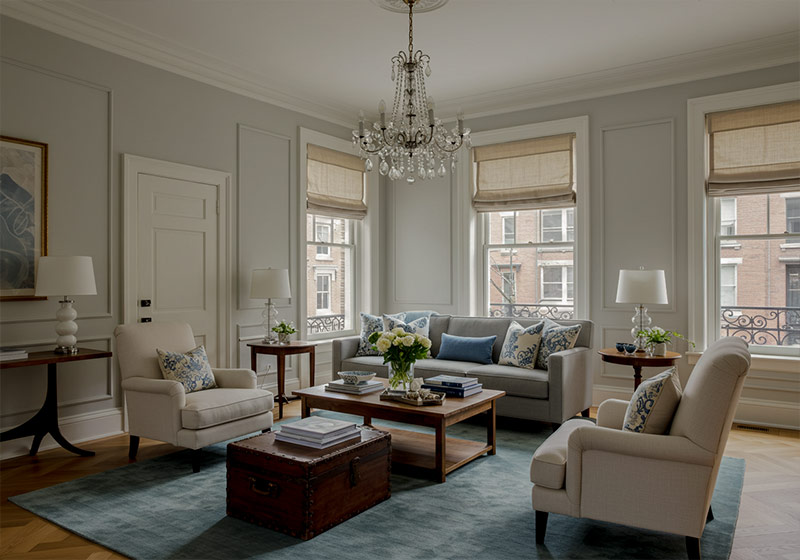
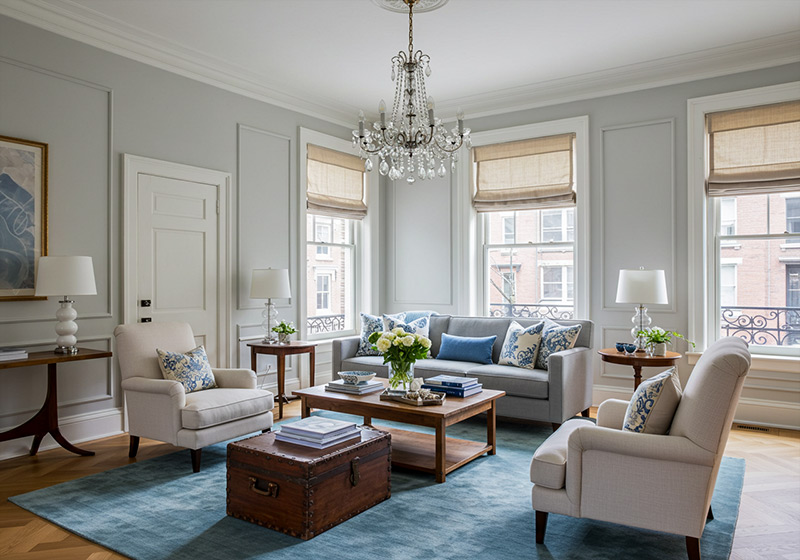
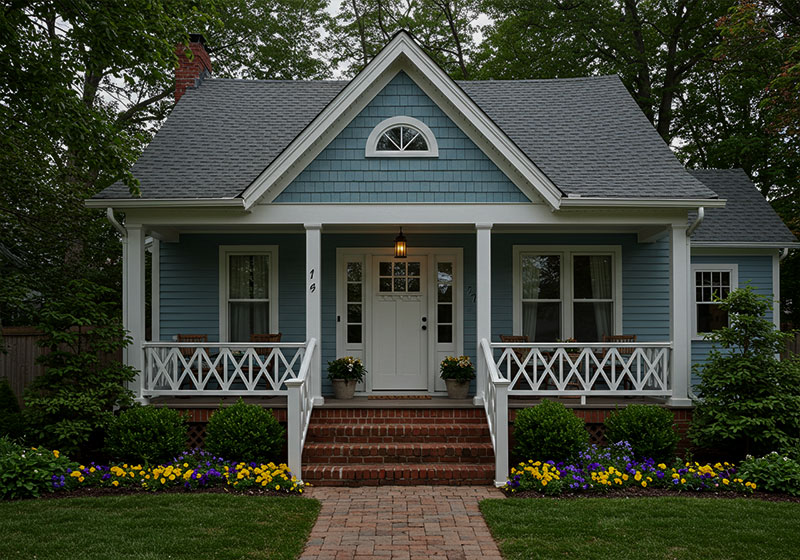
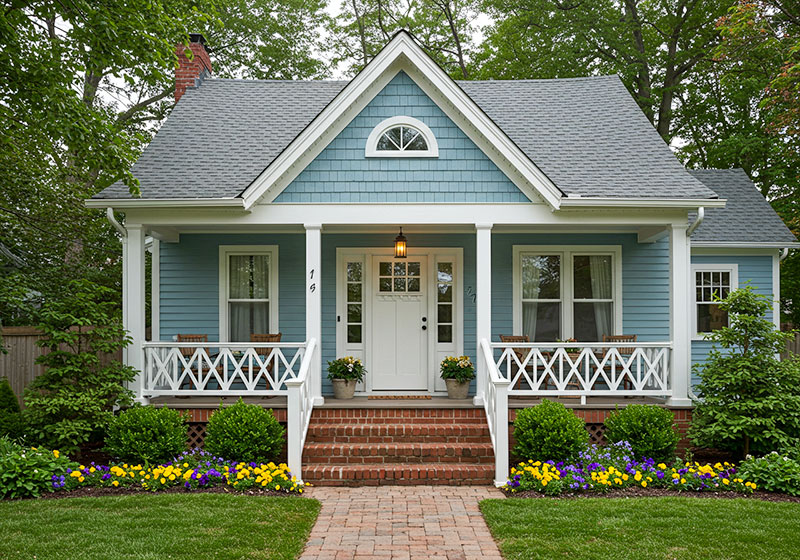
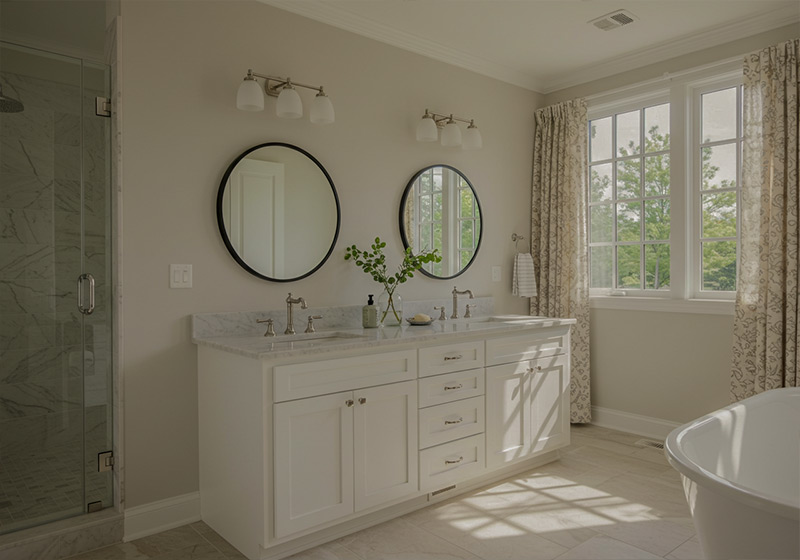
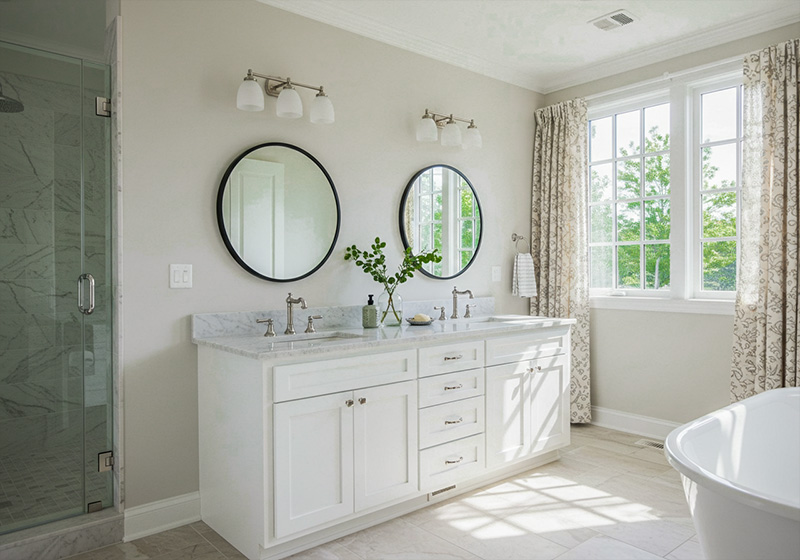
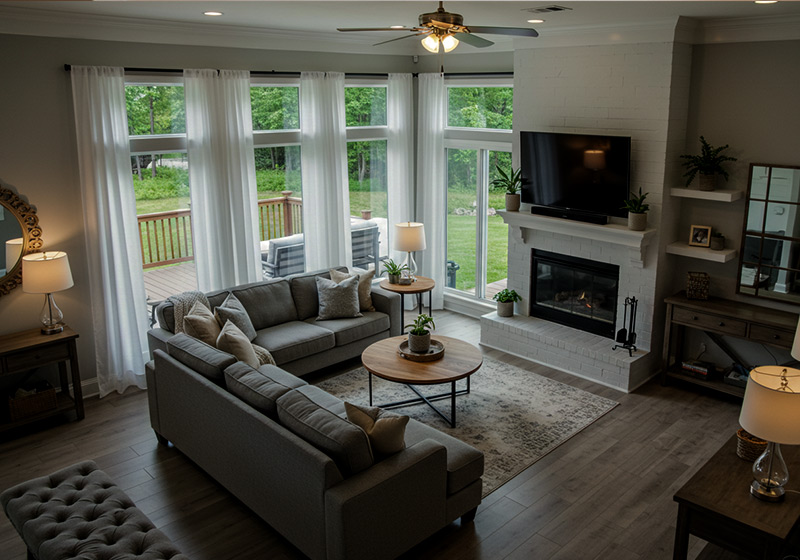
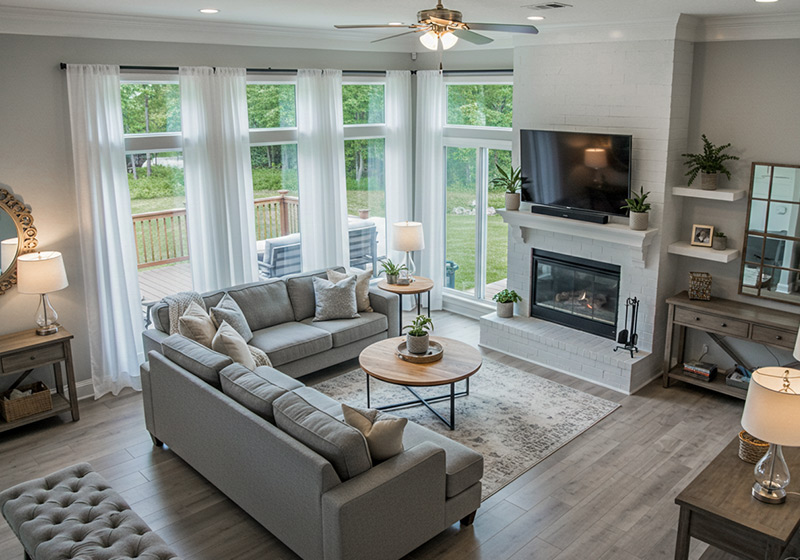
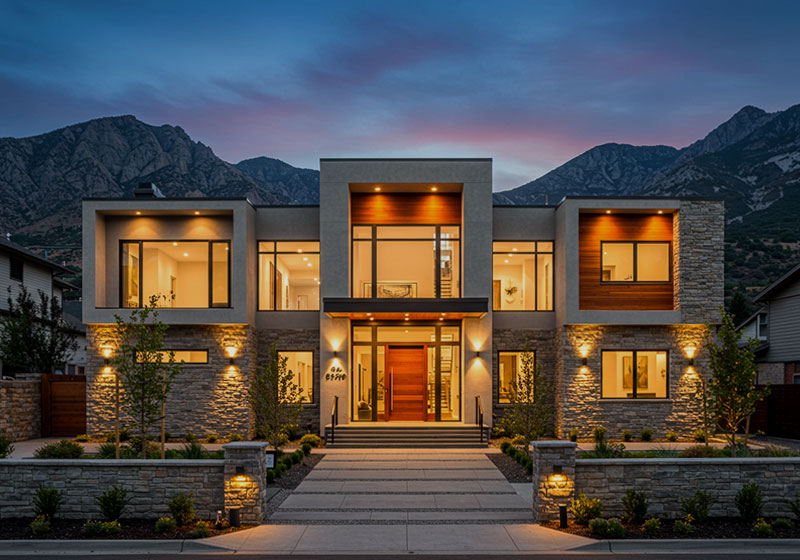
Real Estate Example Images
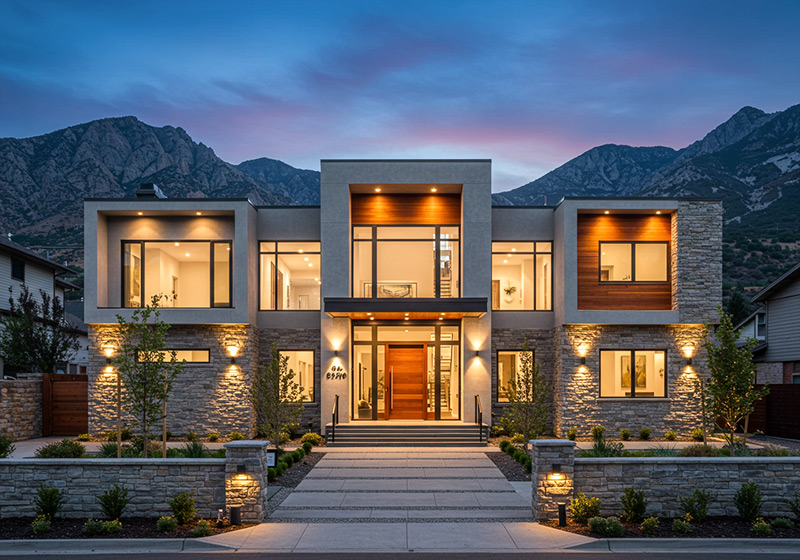
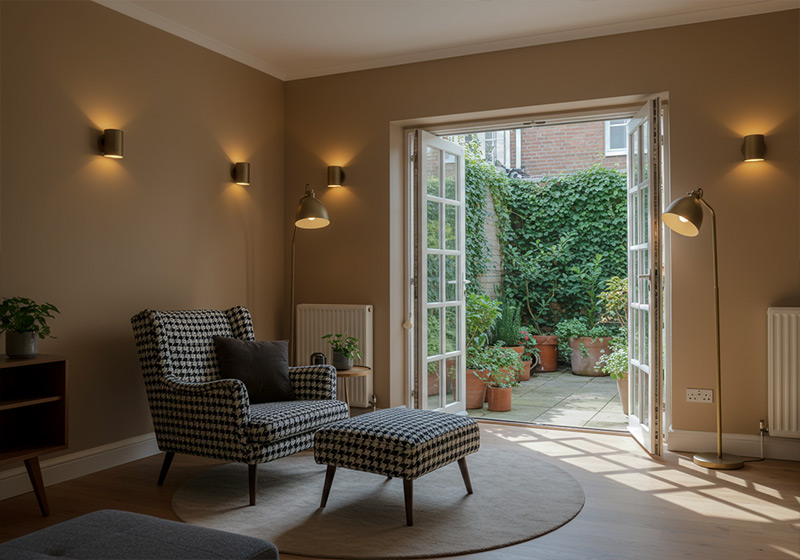
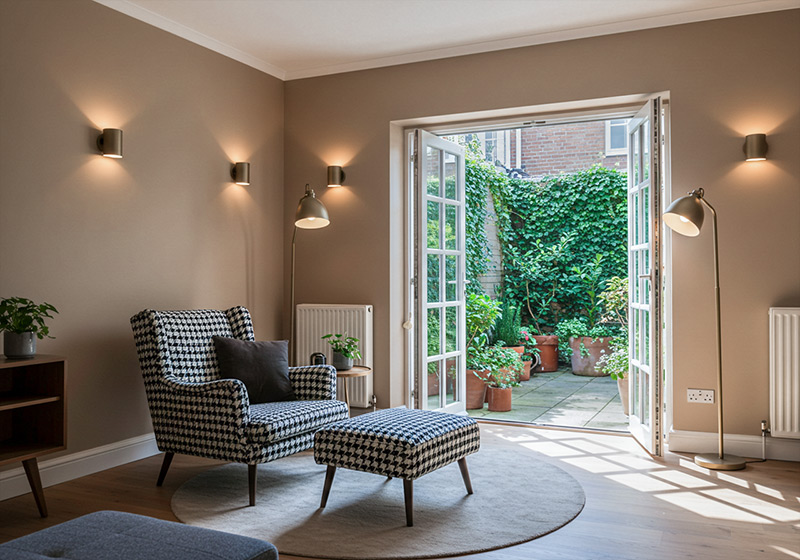
Easy to use the Real Estate Presets

FAQ
Are good Real Estate photos really so important?
Homes with high-quality photos sell 32% faster than those with standard or low-quality photos and spend about 89 days on market vs. 123 days for other homes. (Source)
Do you have Real Estate Preset Tips?
These presets are designed specifically for real estate and interior photography, addressing common challenges like poor lighting, white balance issues, and lack of detail. The included 9-step system helps you correct verticals, boost natural light, and create clean, market-ready photos with consistent results across entire property galleries.
Do these Lightroom presets work for interior design photos?
Absolutely. These presets are perfect for interior photographers and home stagers looking to enhance indoor shots. They improve lighting balance, reduce color casts, and add warmth, ideal for showcasing furniture, décor, and architectural elements.
For tips on how to handle tight spaces, read our article on Lightroom Tips for Photographing Small Rooms.
Are these Lightroom presets good for Airbnb or vacation rental listings?
Yes! These presets are ideal for Airbnb hosts and short-term rental owners who want to make their listings stand out. They help make spaces feel brighter, cleaner, and more inviting — which can improve click-through rates and bookings.
Want to elevate your photos further? Don’t miss How to Edit Indoor Photos in Lightroom Like a Pro.
What makes these Lightroom presets ideal for real estate photography?
These presets are crafted specifically for real estate and interior photography, helping you solve common problems like dull lighting, poor white balance, and lack of depth.
If you’re struggling with image quality, check out our guide on How to Fix Common Real Estate Photo Mistakes with Presets.
Will the presets work on JPEG and RAW photos?
Yes, the presets are compatible with both RAW and JPEG files. For the best results, especially in real estate or architectural photography, we recommend shooting in RAW to maximize editing flexibility.
Each preset is completely adjustable. You can fine-tune color, contrast, exposure, and clarity to match your desired look. New to editing? Our Real Estate Photography Editing for Beginners guide covers the basics.
Do you have Real Estate Photography Tips?
If you like to dive deeper into real estate photography, read our comprehensive guides about Real Estate Photography Guides and Tutorials here.
-
Go Wide: Use a wide-angle lens to capture spacious, inviting interiors and exteriors.
-
Maximize Natural Light: Shoot exteriors during golden hours and open curtains for bright, natural interiors – skip the flash to avoid harsh shadows.
-
Stage Smart: Declutter, straighten furniture, and add neutral decor to make the space buyer-ready.
-
Nail Composition: Apply the rule of thirds and leading lines, keeping verticals straight for a polished look.
-
Polish in Post: Use Lightroom or Photoshop to tweak color, brightness, and contrast, but keep edits natural to stay authentic.Happy shooting
How to Download and Install Presets?
As soon as your payment went through, you receive the download link direct by email.
Follow the simple instructions at How to install Lightroom Presets and start using them on your desktop or mobile device.
Can I use the Presets in Photoshop?
Yes, this are also Real Estate Presets for Photoshop
You must have Adobe Camera Raw (ACR) 10.3+ (Windows & Mac)
Installation instructions:
- Open your image in Adobe Photoshop.
- At the top menu click on Filter and select “Camera Raw Filter”.
- On the right you see the word “Basic” click the small burger next to it. Then, click “Load Settings”.
- Choose the .xmp file(s) from downloaded and unzipped folder. Then click on Load button.
- To apply a preset, click on OK button.
How to use Clean Edit Presets?
Clean edit presets allow you to set the perfect foundation of your image by adjusting for example white balance, exposure, whites, etc. Each clean edit preset changes only one value, without overwriting other adjustments and values.
How about License/Terms?
You are not allowed to sell or redistribute to another individual and/or party in any way. You can only use these products for your personal or commercial use. This license extends to the single, individual purchaser. This license does not extend to companies or partnerships. All Presets by Furoore are copyright protected.
Due to the downloadable nature of these products, all digital sales are final sales. There are no refunds, returns, or exchanges
7 reviews for PRO Real Estate Presets for Lightroom
Add a review
You must be logged in to post a review.
• Start getting beautiful Photos in Minutes
Creating pretty photos and looking for the right tone effect can be very tough. For this reason, we at Furoore have spent countless hours for you creating this Lightroom presets.
• Quality above Quantity
We respect our customers and try our best to provide extra high-quality presets to simplify the editing. With our presets you achieve unique results in one click. You can easily adjust them to your own style or the look you are going for.
• One Time Lifetime Purchase
You only pay once to use your presets for your photos for as long as you want.
Related products
-38%
Original price was: $79.90.$49.90Current price is: $49.90.
-66%

Original price was: $289.30.$99.00Current price is: $99.00.
-69%


Original price was: $319.10.$99.00Current price is: $99.00.

Nathalia M. –
Highly recommended – I started using these presets for my staging portfolio, and they make everything pop without looking overdone.
Gregor C. –
Made my AirBnB photos pop! I manage a couple of short term rentals and wanted the photos to look more inviting. The presets gave my listing photos a polished new look.
Jason R. –
These presets save me so much time. I used to outsource photo editing, now I just apply one of the presets in Lightroom, tweak a little if needed, and I’m done. The homes look clean, bright, and professional.
Benjamin F. –
My photos now come out looking bright and professional without me having to spend hours fiddling around. If you’re also doing real estate photography and want to save time and get good results, I’d definitely recommend these.
Roger T. –
With this workflow, I just run through the steps and it’s done. My photos worked out great in no time. I was worried it would be too complicated but it’s laid out really simply. You pick what you need at each step and move on. t’s not one of those ‘one-click and pray’ things. More than recommended.
Selina D. –
Very simple to use and truly changes the game of real estate photo editing. So easy!
Doreen W. –
The Pro Real Estate Presets have transformed my editing process. The 9 step workflow ensures consistent, high-quality results every time. From correcting color casts to enhancing details, these presets handle it all. A valuable tool for any real estate professional, highly recommend.