



Street photo edits that actually work.
-66%


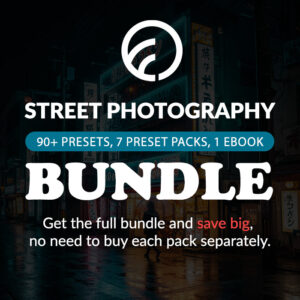

Street Photography Preset Bundle (All-in-One)
Original price was: $289.30.$99.00Current price is: $99.00.
Want standout street shots without hours of editing? The Complete Street Photography Presets Bundle makes it easy to create bold, urban edits in Lightroom. Turn everyday street shots into unforgettable urban stories with one click.
Grab the bundle now and bring your street photography to life.
✓ Street Photography Preset Bundle
✓ Save Time and Energy
✓ Professional Look with One-Click
✓ Streamlined Editing Process
✓ Very easy to use
✓ Instant Digital Download
Bundle up and save over 60% – Grab the full set for less.
“These presets made Lightroom fun for me again. Great variety and quality. Worth every cent.” – from Dwayne P., Street Photographer
Why get these Presets?
- Get 7 powerful preset packs in one purchase
- Perfect for all light situations: day, dusk, and night
- Includes black & white, cinematic, and color looks
- Save hours of editing with one click
The only Lightroom Preset Bundle you need for Powerful Street Edits.
Turn everyday street shots into unforgettable urban stories with one click. From soft monochromes to neon nights – this is your complete urban editing toolkit.
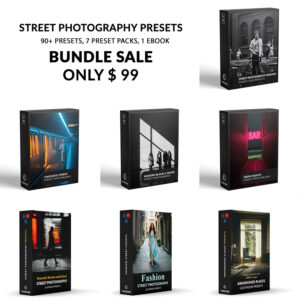
The Bundle Includes 7 Preset Collection:
1
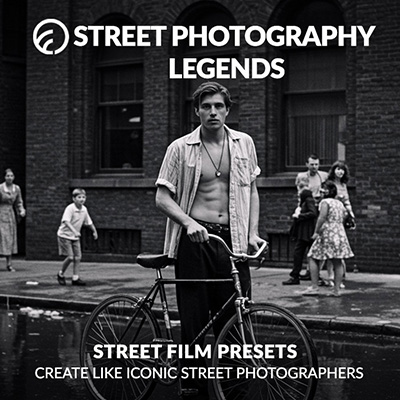
Street Photography Legends Present
Capture the raw soul of the streets with timeless tones and rich contrast—perfect for documentary-style edits. Learn more about these presets here.
2
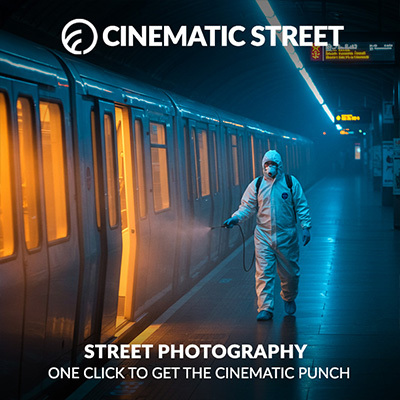
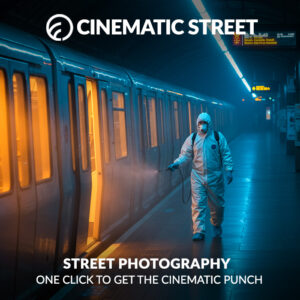
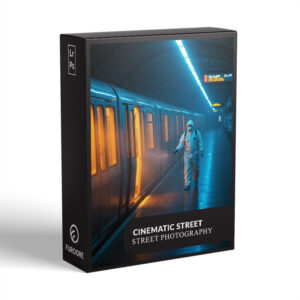
Cinematic Street Photograph Presets
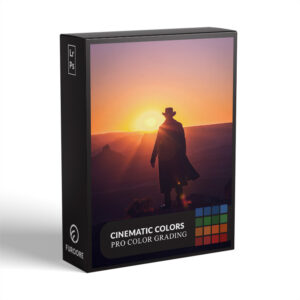
Inspired by film and cinema, these presets create dramatic tones, rich contrast, and storytelling color palettes. Learn more about these presets here.
3
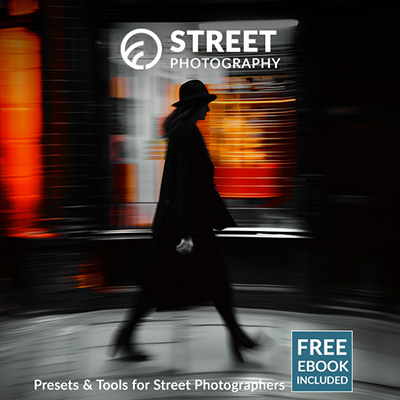
Street Photograph Presets
Your everyday street photos, upgraded. These presets bring out punchy colors, sharp shadows, and bold street style. Including eBook. Learn more about these presets here.
4
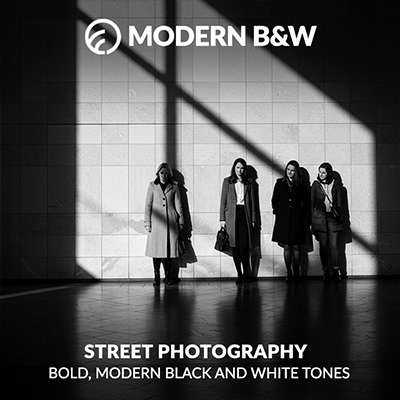
Modern B&W Street Photography Presets
Elegant black and white looks with depth, clarity, and mood—designed to give your street shots a timeless finish. Learn more about these presets here.
5
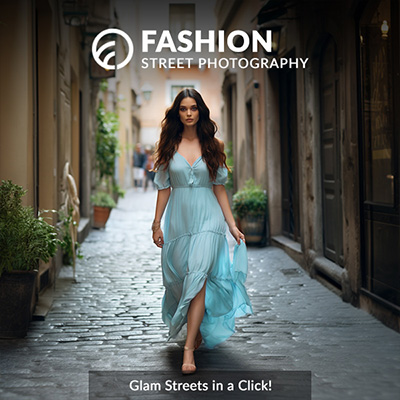
Fashion Street Photography Presets
Blend urban edge with editorial polish—these presets are ideal for fashion-forward street portraits and lifestyle shots. Learn more about these presets here.
6
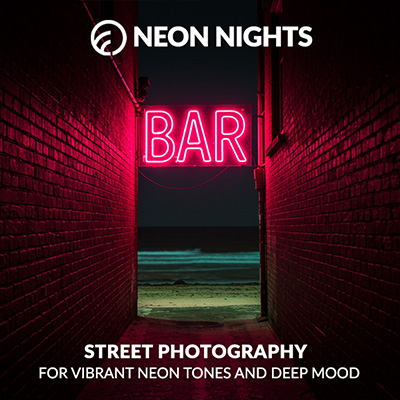
Neon Nights Street Photography Presets
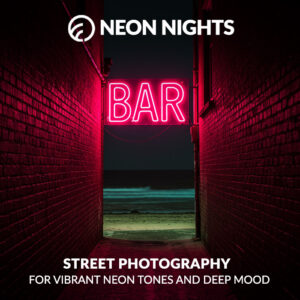
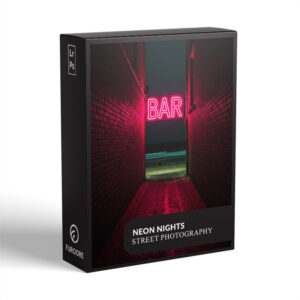
Perfect for night owls and city lights—these presets deliver glowing colors, deep blacks, and electric urban vibes. Learn more about these presets here.
7
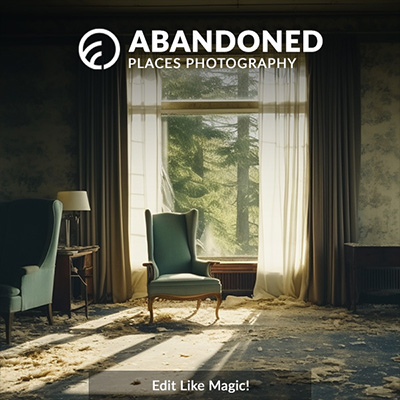
Abandoned Places Presets Lightroom
Built for texture, decay, and mood, these presets amplify the haunting beauty of forgotten spaces. Learn more about these presets here.
Whats Included:
✓ 91 Street Photography Presets
✓ 15 Clean Edit Presets
✓ File format: XMP, DNG
✓ Including 91 DNG files
✓ 1x Instruction Guide (PDF)
Clean Edit Presets:
Clean Edit Presets help you build the perfect base for your photo by adjusting one setting at a time – like white balance, exposure, or tones. Each preset tweaks just one thing, so it won’t mess with any other edits you’ve already made.
Compatible with:
» Adobe® Lightroom® 7.5 or later
» Adobe® Camera Raw 10.5 or later
» Adobe® Lightroom Mobile
» Android & iPhone
Browse the Street Photography Presets for even more looks that help you craft your urban photo story.
FAQ
How to use Lightroom Presets?
Lightroom Presets with Easy Adjustment
These Lightroom Presets were created by a pro photographer, so you can trust they’re designed to make your photos look amazing, no matter if you’re using a fancy camera or just your phone.
Using them is super easy! Whether you’re editing on your computer or your phone, you can get great results in just a few steps.
Here’s how it works:
- First, take a photo with any camera – DSLR, mirrorless, point-and-shoot, or even your smartphone.
- Next, open that photo in Lightroom.
- Then, add one of the presets to your photo with a single click.
Just a heads-up: presets won’t always look exactly the same on every photo. Things like lighting, color, or how the photo was taken can make a difference. If the photo’s too dark, too bright, or low quality, the preset might not work as well.
After you apply a preset, you might want to tweak a few things to get the perfect look. That’s totally normal! Just play with the sliders in Lightroom until it looks right.
Also, if there are people in your photo, a preset might slightly change their skin tone. No worries, just adjust the colors a bit until it looks good to you.
Presets are here to help you start strong, but a little fine-tuning goes a long way. Have fun editing!
Can I use the Presets in Photoshop?
Yes, these presets also work in Photoshop!
You’ll need Adobe Camera Raw (ACR) version 10.3 or higher (for both Windows & Mac).
How to install:
- Open your photo in Photoshop.
- Go to the top menu > Filter > Camera Raw Filter.
- On the right, click the menu next to “Basic,” then choose Load Settings.
- Select the .xmp file from your unzipped download and click Load.
- Hit OK to apply the preset.
How to Download and Install the Presets
As soon as your payment is complete, you’ll get a download link sent straight to your email.
Just follow the easy steps in our How to Install Lightroom Presets guide, and you’ll be ready to start editing on your computer or phone in no time!
How to use the Clean Edit Presets?
Clean Edit Presets help you build the perfect base for your photo by adjusting one setting at a time – like white balance, exposure, or whites. Each preset tweaks just one thing, so it won’t mess with any other edits you’ve already made.
What are your Terms/License?
These presets are just for you! You’re welcome to use them for personal or commercial projects, but you can’t share, sell, or redistribute them to anyone else.
This license is for one individual only – it doesn’t cover companies or teams.
Please note:
Since these are digital downloads, all sales are final. That means no refunds, returns, or exchanges.
3 reviews for Street Photography Preset Bundle (All-in-One)
Add a review
You must be logged in to post a review.
• Start getting beautiful Photos in Minutes
Creating pretty photos and looking for the right tone effect can be very tough. For this reason, we at Furoore have spent countless hours for you creating Easy-edit workflow Lightroom presets.
• Quality above Quantity
We respect our customers and try our best to provide extra high-quality presets to simplify the editing. With our presets you achieve unique results in one click. You can easily adjust them to your own style or the look you are going for.
• One Time Lifetime Purchase
You only pay once to use your presets for your photos for as long as you want.
Related products
-38%
Original price was: $79.90.$49.90Current price is: $49.90.
-33%

Original price was: $149.90.$99.90Current price is: $99.90.

Ronald P. –
I have just started with street photography and these presets made the photos beautiful and my workflow streamlined. They make editing very easy.
Morgan K. –
These presets don’t just mimic film, they feel like it. The customization tips included helped me tweak them to perfection. My new go-to presets!
Jeremy P. –
This bundle gave me presets for daytime, neon night, black and white, even abandoned places. The tones are deep and stylish. No cringey filters, just bold, clean drama. This is all I use now.